
Create a Profile on PayClay
Follow the steps below to create a PayClay profile:
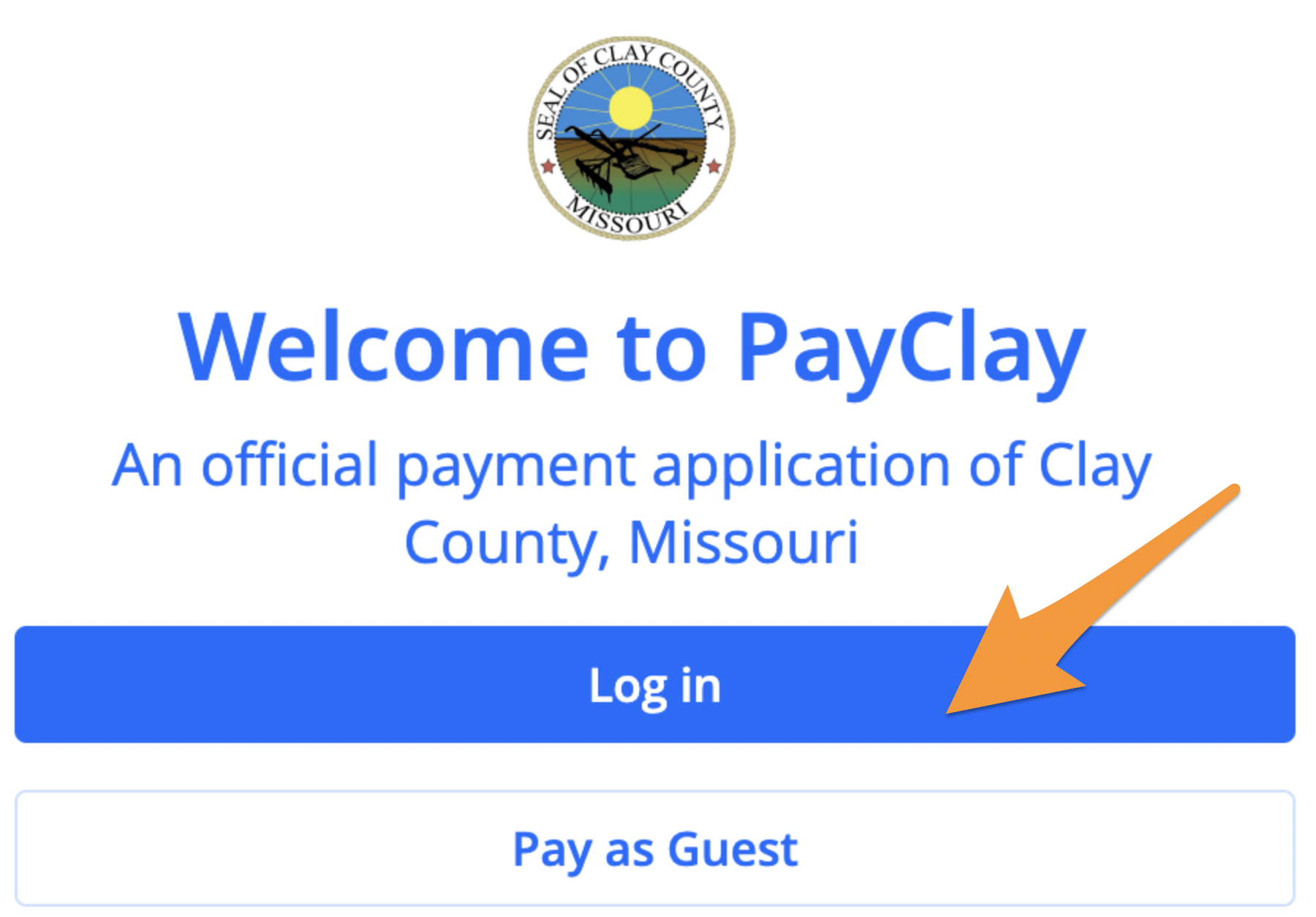
- Visit PayClay and click on the blue Log in button
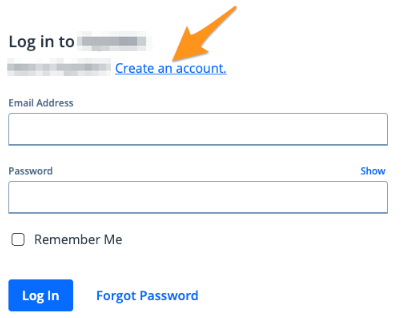
- Click Create an account
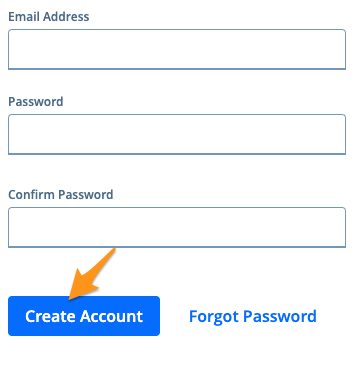
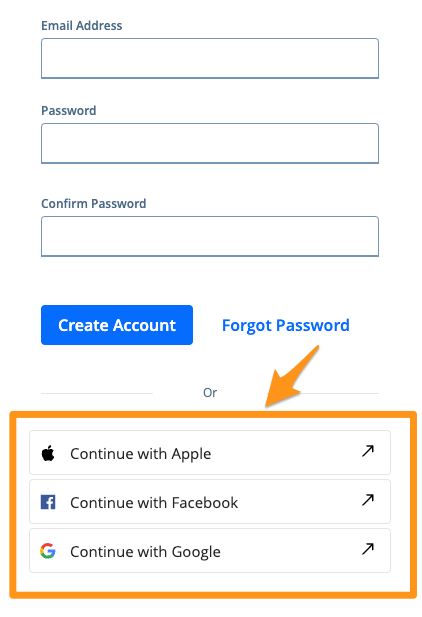
- You can create an account using an email address and password or by selecting a social option
- To create an account using an email address, enter your email address, create and confirm a password and then select Create Account (See Completing Email Verification on Powered by PayIt Apps)
- To create an account using a social option, click Continue with Apple, Continue with Facebookor Continue with Google. Please note, availability of these social options can vary.
Note:
- Your password must be at least eight characters long. You do not need numbers, upper-case letters or symbols.
- If you get the message "Username and/or password are incorrect" when creating an account with your email address, you already have an account with this email address. (See Change My Password on PayClay)
You may use the app without creating a profile by selecting Continue as Guest.